CloudBeaver Enterprise uses a single browser based interface to securely manage all databases from anywhere. No desktop settings required. Your team can connect through a web browser to work together on the same database. It is easy to control user group permissions in one place.
main advantages
- Work and collaborate anytime, anywhere
Access your database through a modern and intuitive UI. No matter where you are, you can collaborate, share queries, and maintain efficiency with teammates from different geographical locations.
- Complete control over your data
It is installed on your own infrastructure and can work without Internet access. Use dual SSO authentication at the application and database levels to ensure the security of your data. Integrate with your existing SSO, SAML, and LDAP systems to achieve centralized user management.
- Connect to all your databases in one place
Seamless use of SQL, NoSQL, and cloud native databases. Your team can access all systems through a unified interface and perform centralized connection management.
- Experience simpler data processing methods
Get the desired functionality in a concise interface. Designed specifically for data centric teams: analysts, developers, or business users.
highlight feature
- management
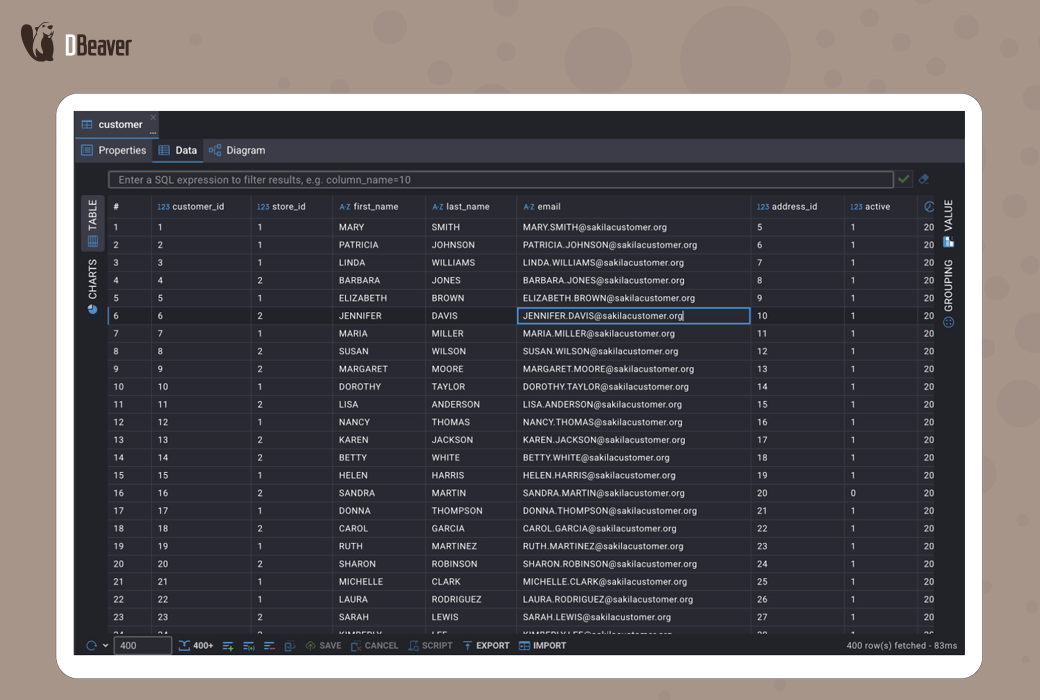
Use a lightweight data editor to navigate architecture and browse tables. Then inline or update, copy, or delete rows of complex values through an extended editor. Accelerate daily data tasks through real-time filtering, sorting, grouping, and one click export.
- query
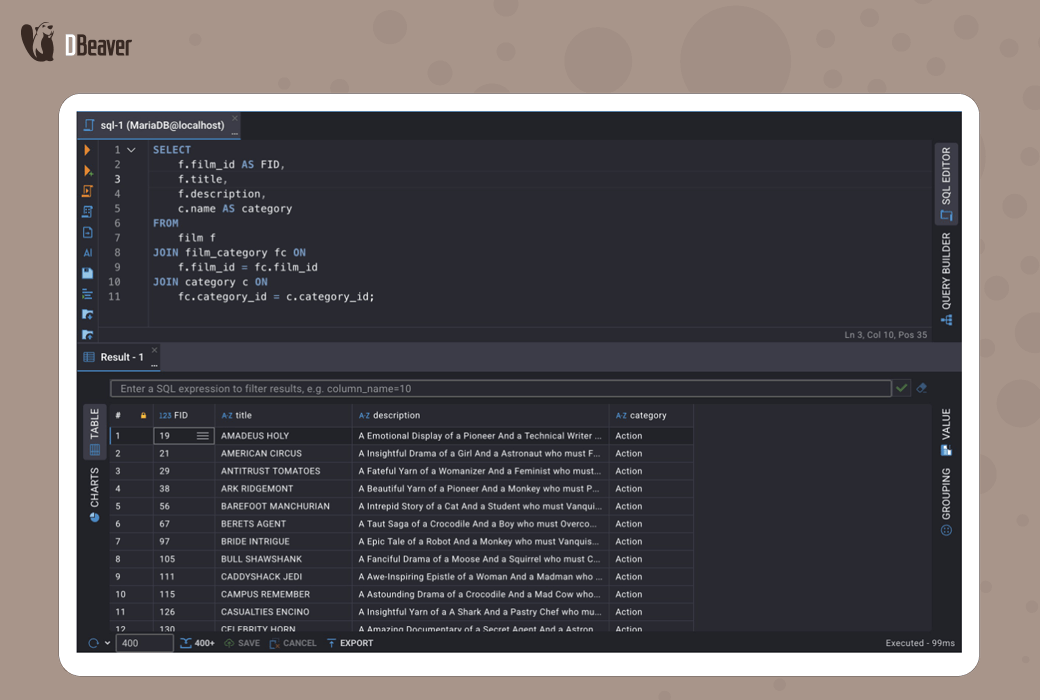
Write and execute SQL directly from the browser. Use an intelligent editor with formatting, auto completion, and syntax highlighting features.
- visualization
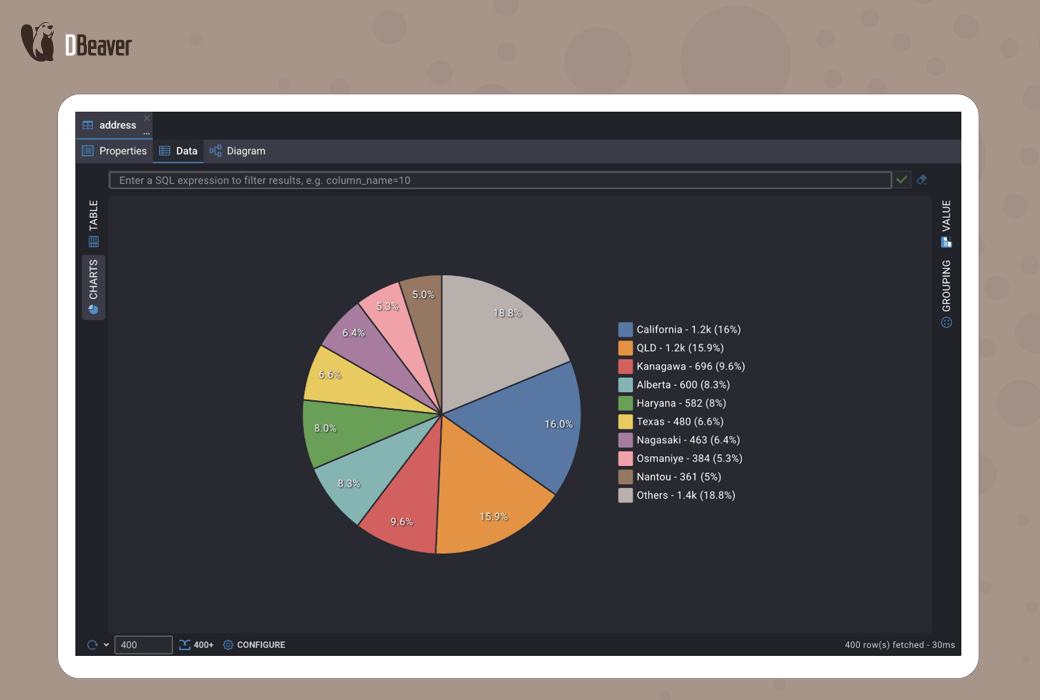
Build queries in a visual way using a visual query generator, without writing SQL, to drag and drop tables, define joins, apply filters, and select columns. With the help of integrated charting tools in data and SQL editors, immediately convert results into pie charts, bar charts, or line charts for clear and shareable insights.
- generate
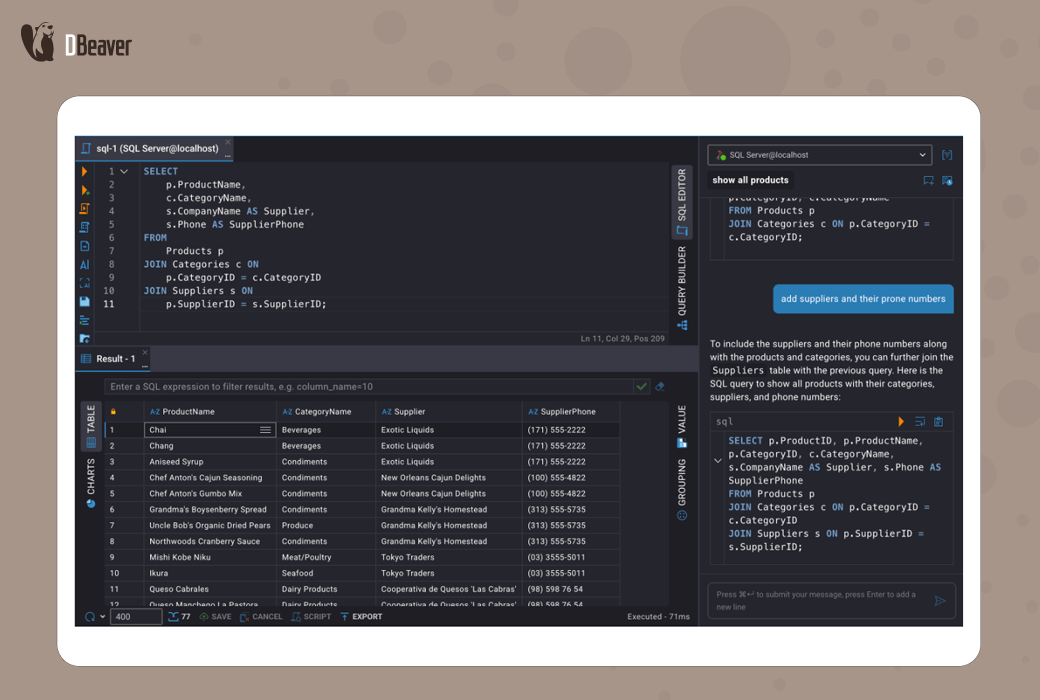
Easily generate SQL using an AI driven assistant that integrates OpenAI, Azure AI, Gemini, or Copilot to convert simple language requests into accurate queries. Administrators can use the management panel to configure and enable specific AI engines.
- customize
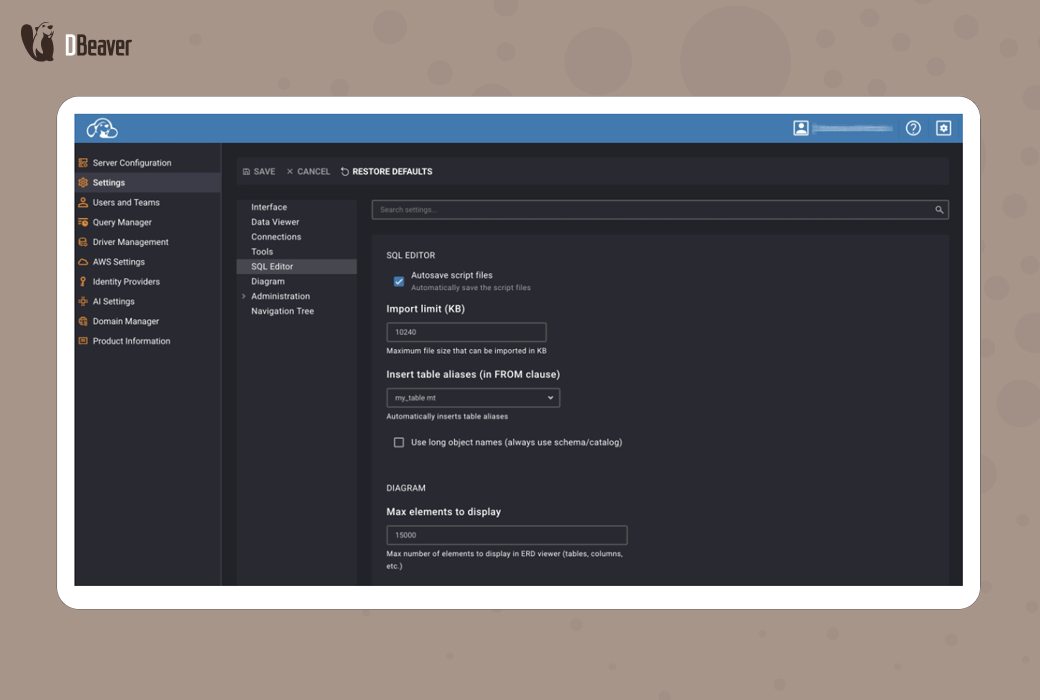
Customize workspaces through flexible configuration options. Personalized interface theme, language, and SQL editor options.
- monitor
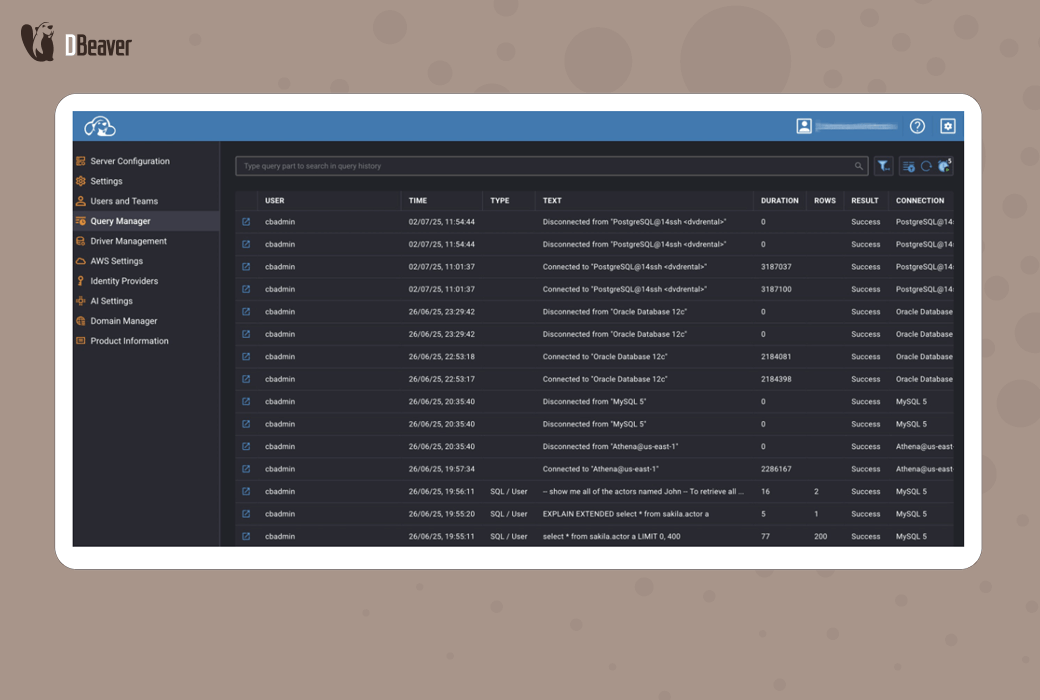
By closely monitoring user activities through the query manager, it provides administrators with real-time auditing of every query executed. Audit tracking shows who ran the query, when, duration, affected rows, and results. Through real-time search, filtering, and automatic refresh control, administrators can immediately track company data to ensure compliance and security.
Who is CloudBeaver Enterprise suitable for?
support
- programmer
- Machine Learning Engineer
- QA Engineer
- Technical Support
- Information Security Engineer
finance
- Financial Analyst
- accounting
- auditor
- BI analyst
- Report Analyst
- sales and marketing
Sales Manager
- Key Account Manager
- Customer Success Manager
- Marketing Manager
- Product Manager